
Daily · Original
PokeDoku Strategy and Uniqueness Score
Nine squares. A world of Pokemon knowledge.
EDITOR'S TAKE
The grid gives Pokemon fans a reason to reach for something more interesting than the first obvious answer.
Daily · Video game

 GuessThe.Game
THE ORIGINAL DAILY GAME
Spot the game behind the screenshot. The original game opens on its publisher’s website in a new tab.
THE SHORT VERSION
GuessThe.Game challenges players to identify a video game from progressively more revealing screenshots. Interface details, art direction, environments, camera perspective, and release-era graphics all become clues before an unmistakable scene appears.
| Goal | Recognize a video game from a sequence of screenshots. |
|---|---|
| Category | Video game trivia |
| Where to play | GuessThe.Game on the publisher’s website |
WHY WE PUT IT ON THE SHELF
It is a good excuse to trust your eye for menus, camera angles, and old graphics before the answer becomes obvious.
Nine squares. A world of Pokemon knowledge.
The grid gives Pokemon fans a reason to reach for something more interesting than the first obvious answer.

Find the daily Pokémon through four different clue modes.
The first wrong guess is not wasted: it gives you a row of clues to argue with. Classic is especially fun when a familiar Pokémon turns out to be the wrong size or habitat.
Identify League of Legends champions from five kinds of clues.
Five different clue styles keep it from becoming one more champion-name quiz. It rewards the kind of knowledge League fans actually carry around.

Guess a Pokémon from types, generation, height and weight.
A nice test of the Pokédex in your head: type gives you a foothold, and those height and weight arrows do the finer detective work.

Guess a One Piece character in four daily modes.
The spoiler setting is the quiet hero here: it lets you test what you remember about the cast without the game blurting out a bounty from an arc you have not reached.

Four puzzles. Twelve orbs. Six to win.
Four small puzzle moods in one place means you can skip the one that is not clicking and still have a good break.
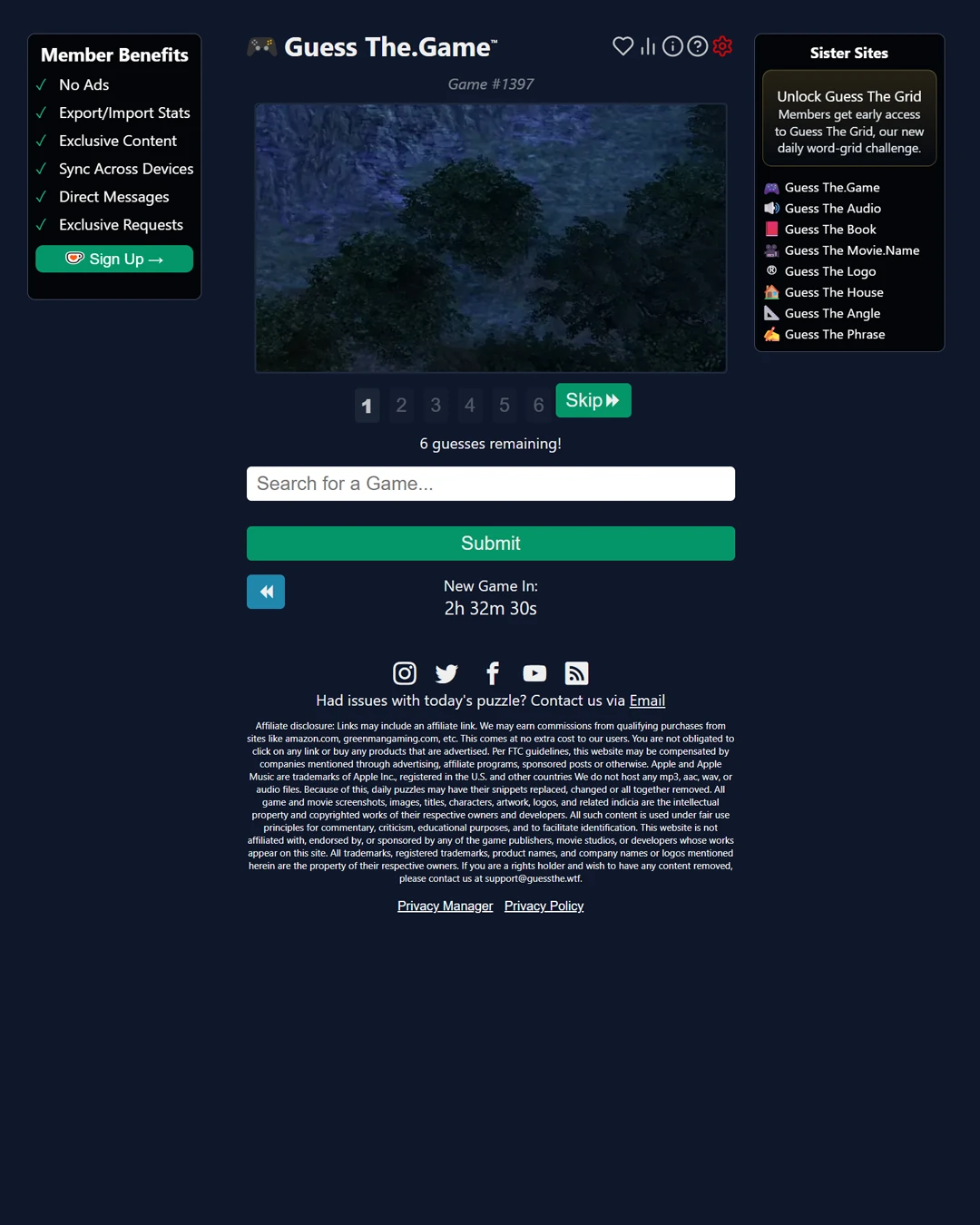
GuessThe.Game asks you to identify a video game from a sequence of screenshots. Instead of relying on a title screen or logo, you examine environments, interface details, camera angle, art direction, and progressively more revealing images.
For the current rules and available modes, consult the GuessThe.Game publisher. The steps above are CasualAtlas’s summary.
GuessThe.Game is a daily visual-recognition puzzle about video games. The official round begins with a screenshot and gives up to six guesses. Additional screenshots are available as the round progresses, so an early image may hide distinctive characters or UI while a later one makes the title much easier to spot. The challenge is to identify the game from visual evidence rather than from a written description of its mechanics.
Screenshots contain many overlapping clues. A health bar can suggest a genre, but an art style and menu font may point to a specific series. Camera perspective can distinguish a first-person game from an isometric one, while rendering technology may suggest an era. The puzzle is especially satisfying when you recognize a title from a small environmental detail rather than a famous protagonist.
Look at the first screenshot without immediately searching the internet. Identify the visible genre, platform era, viewpoint, visual style, and any interface elements. If you have a strong candidate, use the publisher’s search field to enter it. If the image is too ambiguous, move on to another screenshot according to the live game’s controls. Continue comparing each new image with your shortlist until you recognize the title or use the available guesses.
Pay attention to the exact game within a series. A sequel may share characters and interface conventions with the original, but lighting, HUD arrangement, model quality, or world design may differ. The current official site supplies title suggestions and handles answer matching. CasualAtlas links to that experience but does not host its screenshots or reproduce its answer database.
Start with the screen’s composition. Is the player looking through a character’s eyes, over a shoulder, or down at a map? Then inspect the world: architecture, terrain, weapons, character silhouettes, and enemy designs can separate games with similar mechanics. Interface details often help more than the central action. A particular minimap shape, dialogue box, inventory layout, or subtitle style can be a signature of a franchise.
Next consider the image’s production era. Low-resolution textures, pixel-art conventions, early 3D geometry, or modern volumetric lighting can narrow the release period, though remasters complicate that shortcut. Color palette is useful but weak on its own; a red desert or neon city appears in many titles. Combine at least two independent clues before submitting a specific answer.
Keep a shortlist after the first image and ask what the next screenshot would need to show to distinguish the candidates. If two games share a fantasy setting, look for interface, character design, or combat perspective in the next image. If one candidate requires dismissing a visible clue, lower its priority. This is more productive than generating a fresh random title after every reveal.
A missed round can expand your visual vocabulary. Once the answer is shown, review which details were distinctive and which were genre conventions. Maybe the landscape was generic but the HUD was unmistakable; maybe you confused two installments because the interface evolved gradually. Remembering that difference helps in a later puzzle more than memorizing one screenshot alone.
Use the Play GuessThe.Game link above for the official daily puzzle, current screenshot order, and any archive or account features. CasualAtlas is an independent directory. It uses a listing image for identification but does not republish the daily clue sequence or provide copied answers. The publisher’s live site is the place to check its current game number and available modes.
Framed uses the same general idea with film stills, so it is a natural follow-up if you also enjoy movies. PokeDoku tests game-world knowledge through a Pokémon category grid rather than screenshots. Worldle offers another image-first challenge based on a country silhouette. Moving between them highlights different kinds of visual memory: interface, cinematography, geography, and fictional-world categories.
Identify a video game from screenshots revealed during the daily round.
The official daily interface currently shows six guesses.
Use the publisher’s title search to select the intended game, including the correct installment.
Check camera view, interface layout, art direction, setting, and character design.
Yes. A minimap, menu style, or health bar may identify a franchise or era.
Yes. Updated graphics can make an older game look newer, so combine era clues with others.
No. It links to the original puzzle and uses a listing image for identification.
The format is similar, but Framed uses movie stills instead of video-game screenshots.
Use the official game’s later screenshots to test a short list of candidates.
Follow the publisher link at the top of this page.
Rules and live game: official GuessThe.Game website . CasualAtlas is an independent guide and is not affiliated with the publisher.